
Affiliate disclosure: Tech Fits Work may earn a small commission if you buy through links in this post, at no extra cost to you. Our conclusions never depend on commissions. Tech Fits Work is independent and unofficial, with no affiliation to Apple
A USB C to USB C cable for MacBook is not exciting. Nobody frames one and hangs it on the wall. But the cable that is not within reach when your battery hits single digits is the one that wrecks your afternoon, and I have had that afternoon more than once.
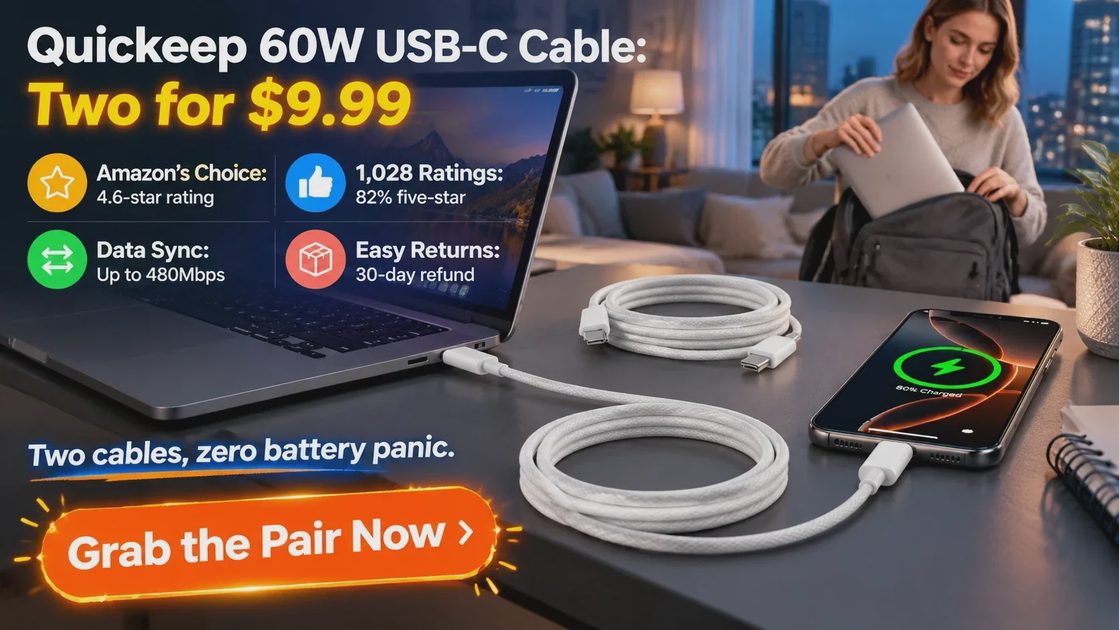
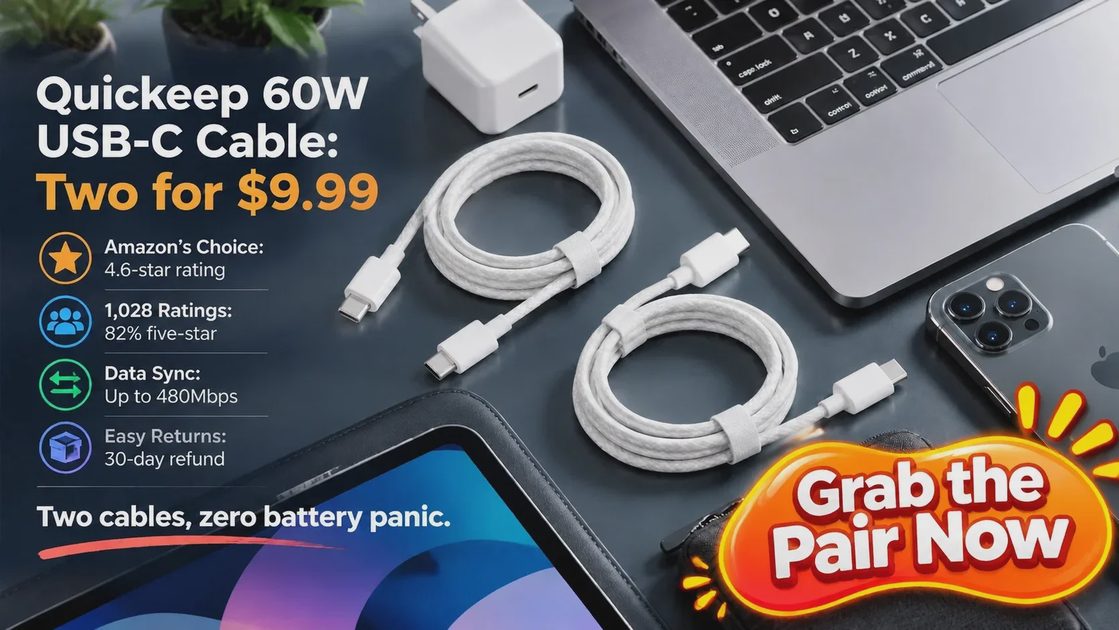
Most of the battery advice I share on Keep It Running boils down to one dull habit: top up before you are desperate. That habit only works if a cable is always nearby. So I bought the Quickeep 60W USB C to USB C Cable 3FT 2-Pack, and it has been in my daily rotation ever since. Two braided cables, $9.99 on Amazon right now, which works out to $5.00 each.
I use one with my MacBook Pro, my wife grabs the other for her MacBook Air, and between us they also top up phones and tablets. Here is what I like, where it stops, and who should skip it.

Why One Cable Is Never Enough
Our home office is a two-person operation. My wife runs her business and design work on a MacBook Air; I run code, photo edits, and 4K video on a MacBook Pro. Add two phones and a car, and for years we shared a few tired cables that wandered from room to room. The one I needed was always the one somebody else had walked off with.
The fix was not a fancier laptop. It was a cable per location: desk, backpack, nightstand, car. Once I stopped rationing the cable, I stopped rationing the battery. I plug in when it makes sense instead of limping down to 5% and hunting for a charger. That small habit is exactly what keeping a Mac running looks like, and it costs less than a coffee-and-pastry order.
It also changed how we handle weekends. Our hiking days in the Colorado foothills usually end at a coffee shop with both laptops open, and the daypack now has its own cable zipped into a pocket for good. No more texting each other from the trailhead to ask who has the cable.
Quickeep 60W USB C Cable at a Glance
Before the stories, the numbers. Here is what the listing promises, so you can check it against your own gear.
Spec | Detail |
In the box | |
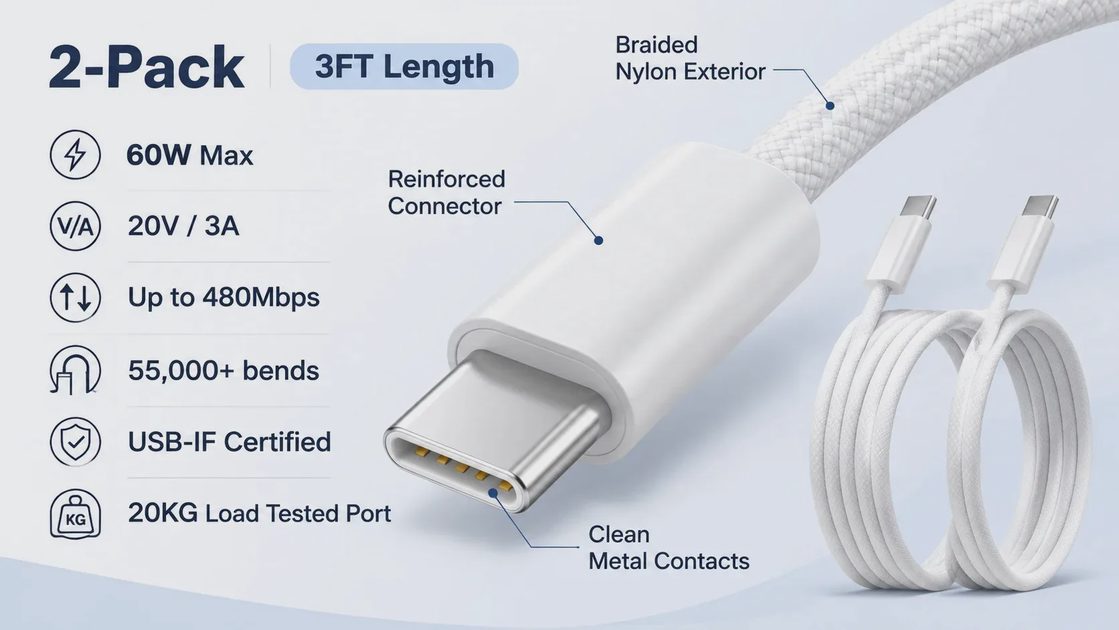
Connector | USB-C to USB-C, same plug on both ends |
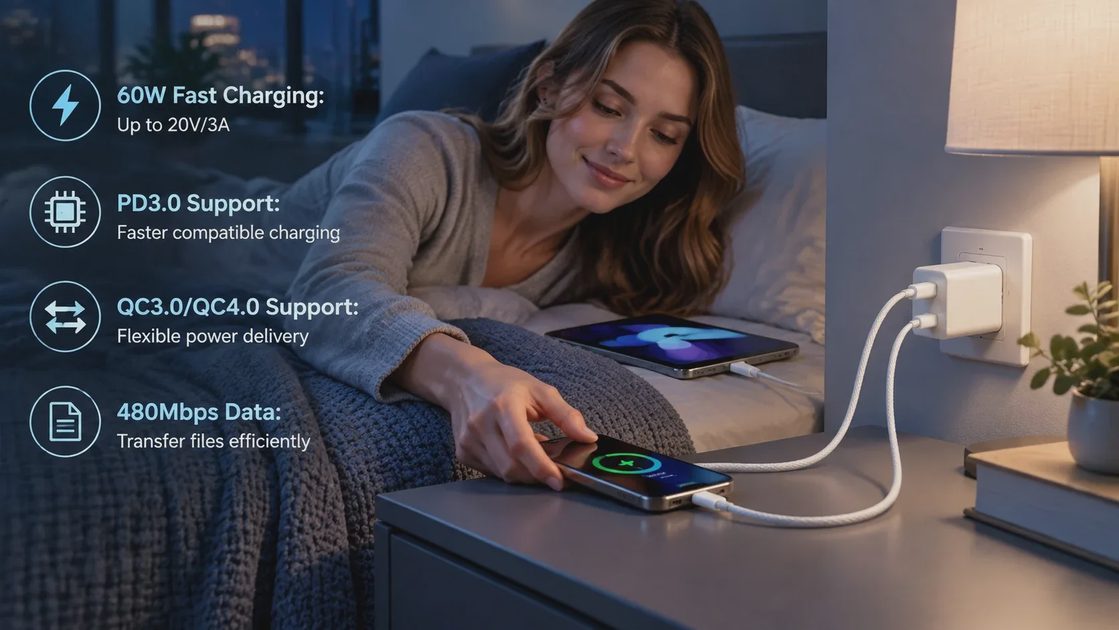
Max charging | 60W (20V/3A); PD3.0, QC3.0, QC4.0 |
Phone charging | 0 to 80% in 35 minutes with a USB-C power delivery adapter |
Data transfer | Up to 480Mbps |
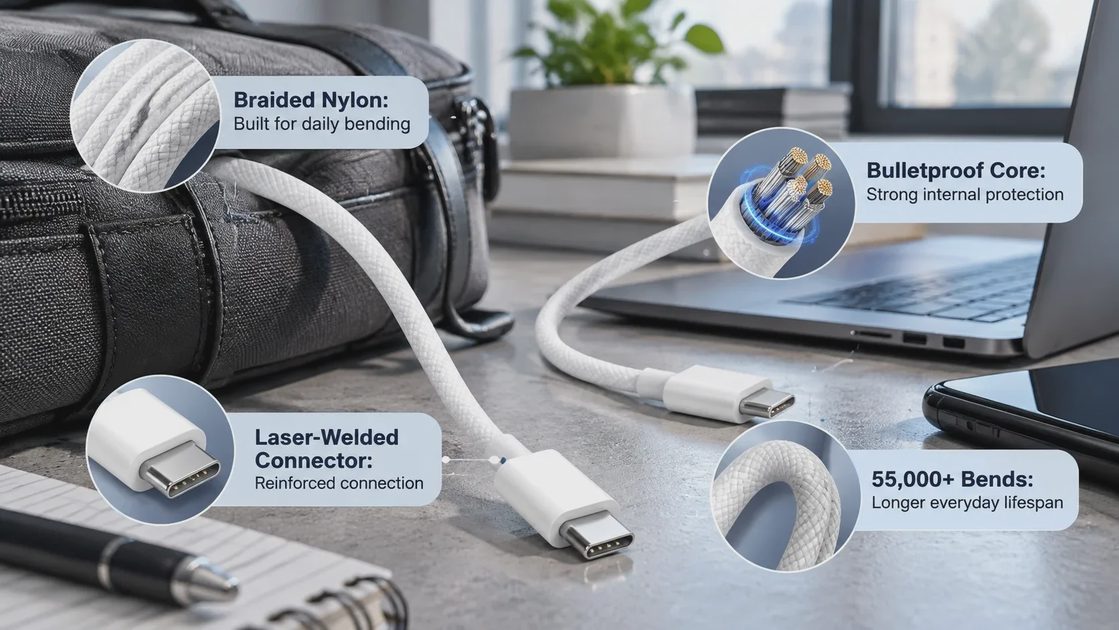
Build | TPE and nylon braid, laser-welded connectors, 55,000+ bends |
Strength | 20KG load-tested USB-C port |
Certification | USB-IF Certified |
Colors | White, Blue |
Price | $9.99 per pair ($5.00 per cable); list price $11.99 |
Rating | 4.6 out of 5 from 1,028 ratings; Amazon’s Choice |
One thing to know up front: this is a cable only. You will need a USB-C fast-charging wall adapter to get the full speed.
The Price Is the Headline: $9.99 for Two
Here is the part Apple’s accessory aisle does not make obvious. When I checked on October 28, 2026, the pair was $9.99, down from an $11.99 list price, a 17% discount. That is $5.00 per cable. For the cost of one drip coffee, I have a charger lead in my backpack and another on the desk. Think of it as insurance: a forgotten cable becomes a non-event instead of an overpriced impulse buy at an airport kiosk.
Option | Price on Amazon | Length | Listed highlights |
Quickeep 2-pack (this one) | $9.99 for two | 3FT each | 60W, 480Mbps, USB-IF Certified, braided |
Amazon Basics USB-C to USB-C | $9.49 (single cable) | 6 foot | 480Mbps, USB-IF Certified |
Apple 240W USB-C woven charge cable | $24.00 | 2 m | 240W, woven |
The Apple cable costs more than double the whole Quickeep pair. Where it earns its keep is 240W of headroom for power-hungry laptops, so if your MacBook draws that much under load, buy it. For everyone else, the cheaper cable wins, and you get two.
How It Performs in Real Life
A Braid That Survives the Backpack
The TPE and nylon braid feels sturdy rather than rubbery. It goes in and out of my bag pocket every day, and it still lies flat on the desk instead of springing into a tangle. The listing rates it for 55,000+ bends, and the connectors are laser-welded, which is where most cheap cables give up. I have not babied these. I chose white to match the chargers we already own, and blue is also available.
60W Is Plenty for Everyday MacBook Work
My wife’s MacBook Air charges happily on hers through full days of documents, design files, and browser tabs. On my MacBook Pro, the cable keeps up with normal work like coding and photo edits. When I am rendering 4K video, I switch back to the cable that came with the laptop, because a 60W cable is not meant for peak loads. That is the trade-off, and at $5 it is an easy one to accept.
More Than a Charger
The cable also carries data at up to 480Mbps. That is fine for syncing documents, backing up phone photos, and moving exports between devices. For a giant video library or a fast external SSD, grab a faster cable. For everything else, one cable replaces two.
Phones, Tablets, and the Car
The listing covers iPhone 17, 16, and 15, iPad models, and other USB-C devices, with phones charging from 0 to 80% in 35 minutes on a USB-C power delivery adapter. Buyers report the same easy experience with CarPlay, and in our car it connected without any fuss.
What Other Buyers Say
I am not the only one who likes these. The listing sits at 4.6 out of 5 across 1,028 ratings, with 82% giving five stars and another 9% giving four. It carries the Amazon’s Choice badge, and more than 8,000 were bought in the past month.
The praise is refreshingly practical. Buyers say the cable works with both Apple and Android car systems, charges quickly, matches the pictures, and fits perfectly. One parent says it survived a six-year-old without a frayed wire. Another buyer reports that after about six months it is still going.
Nothing is perfect, so treat these like any $5 cable and do not yank them by the cord. The safety net is solid, though: free returns and a 30-day refund or replacement window.
The Good and the Not-So-Good
What I like
• $5.00 per cable, with a spare for a second spot
• Braided build that survives daily bag life
• One cable for MacBook, iPhone, iPad, and Android
• USB-IF Certified
• Free returns and a 30-day refund or replacement window
Where it stops
• 60W ceiling, so not for peak-load laptop work
• 480Mbps data speed, so not for big transfers
• Cable only: you need a USB-C charger
• 3FT is short for the couch (a 6FT option exists)
Who Should Buy It, and Who Should Skip This
Buy it if...
• You share a home or office with another USB-C user
• Your MacBook Air-style day is documents, browsing, and design
• You want a backup cable in the bag, the car, and the nightstand
• You like keeping accessory spending sane
Skip it if...
• You push a MacBook Pro hard for long renders and need full wattage
• You move huge files or run a fast external SSD
• You want to drive a monitor, since the listing does not mention video output
• You only need one very long reach, in which case look at the 6FT option
The Verdict: Buy the Cable That Fits Your Work
My rule on this site is simple: buy the gear that fits your work, not the one with the biggest logo. For an everyday MacBook, phone, and iPad routine, this pair hits the sweet spot: $9.99 for two, braided, USB-IF Certified, rated 4.6 stars by over a thousand buyers. Keep the original cable for heavy renders and let these cover everything else.
I would rather spend $9.99 once on a pair that covers every outlet in the house than keep replacing single cables that fray at the connector. The numbers back it up: 60W of power, 480Mbps of data, and two cables for less than half the price of a single Apple cable.
Your current Mac may still be the right Mac, and a $5 cable may be the cheapest way to keep it running.
Pick the white 3FT pair, add the 6FT bundle for the couch, or go blue; all the options are on the same page. Prices change, so check the live listing.