Apple’s trade-in estimate shifts sharply based on your device condition. I’ve tested this process at my Fort Collins home office: careful prep can net noticeably more credit, which cuts your new Mac cost only if Apple’s final inspection matches your description and its offer beats alternatives.
As of mid-October 2026, US top trade-in values hit $1,315 for high-end MacBook Pro and $705 for premium MacBook Air. These are maximums, not guarantees. Specs, battery health, wear and timing change payouts. This guide helps you preserve your Mac’s realistic resale value without pushing unnecessary upgrades.
What Apple Trade-In Actually Pays Right Now
Apple does not maintain fixed trade-in pricing; its “up to” estimates shift regularly around new launches. Early October 2026 top quotes hit $1,315 for MacBook Pro, $705 for MacBook Air, $1,460 for Mac Studio and $2,195 for Mac Pro for fully functional high-end units. Older or base models fetch far less, and the tool uses your serial number to match the exact configuration.
Payouts come as Apple credit or gift cards, not cash. Apple inspects the device after receipt and may revise the offer downward if its condition differs. While Mac trade-in values rose across 2026 even as iPhone rates dropped in September, visible damage, swollen batteries or Activation Lock will slash offers, sometimes leaving only free recycling.
How Condition and Configuration Drive the Final Number
The estimate tool asks a short set of questions about power-on status, screen integrity, chassis damage, and keyboard function. Answer them accurately. Overstating condition produces a higher initial quote that is later reduced after inspection, creating an unexpected charge or a lower credit. Understating it simply leaves money on the table.
Configuration is equally important. Higher memory and storage configurations within the same chip generation command higher estimates. A base-storage MacBook Air and a 1 TB model of the same year are not valued the same. Screen size matters on the Pro line. Age and chip generation matter most of all; an M-series machine retains more residual value than an equivalent Intel model of similar chronological age. Battery cycle count and maximum capacity are not always asked directly, yet a battery that no longer holds a full charge or shows health below roughly 80 percent can influence the physical inspection.
Apple has adjusted its condition grading in 2026 so that minor cosmetic marks no longer automatically receive the same steep reduction as a cracked screen. That change helps machines that have lived real work lives—coffee-shop lids, light keyboard wear, small scuffs—without punishing them as if they were broken. Still, any functional problem (non-working ports, failed display, sticky keys) will be reflected in the final offer.
Preparing the Machine Without Losing Value
Back up first. Use Time Machine, an external drive, or a cloud service you already trust. Then sign out of iCloud, turn off Find My Mac, and erase all content and settings through System Settings. Leaving Activation Lock enabled is the fastest way to make a device ineligible. Apple cannot accept a locked machine, and the process stalls until the lock is removed.
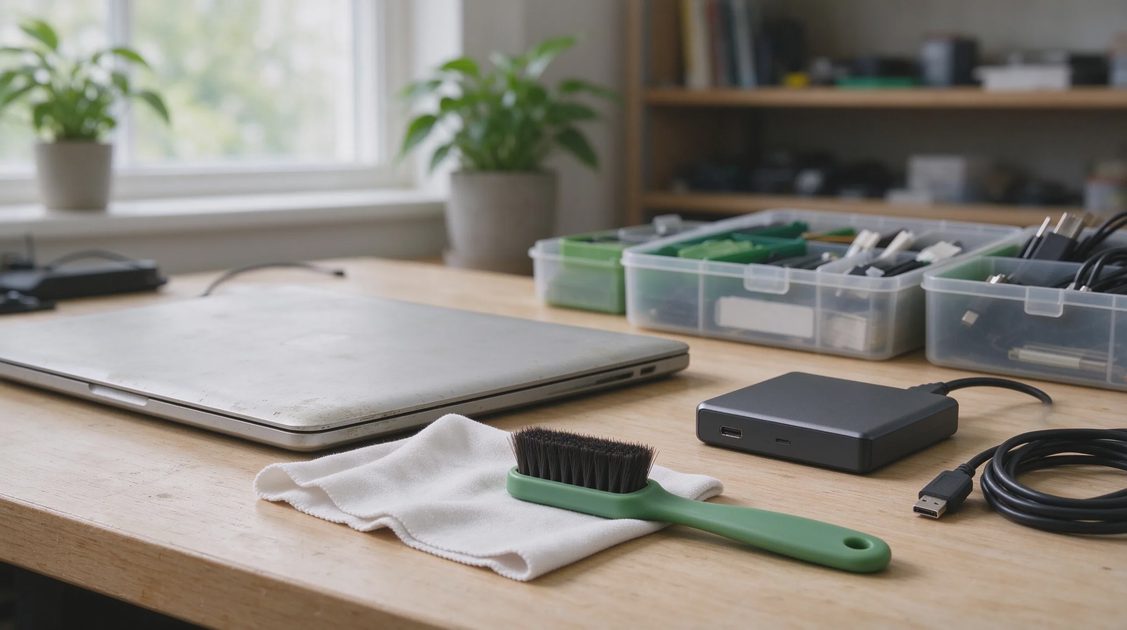
Remove any case, screen protector, or stickers. Keep the original charger only if the trade-in instructions specifically request it; most current Apple kits do not require accessories. Clean the exterior with a soft cloth so the inspection does not treat ordinary dust or fingerprints as damage. Photograph the machine from multiple angles before packing, noting any existing marks. Those photos become useful if a dispute arises after inspection.
Ship within the window Apple specifies—usually 14 days after you receive the new device or the trade-in kit. Use the prepaid materials Apple provides. Keep the tracking number and drop-off receipt. The process from shipment to final credit typically takes two to three weeks for online trades. In-store trades can be faster because the specialist inspects on the spot and applies the credit immediately if the device matches the description.
When Third-Party Buyers or Private Sales Beat Apple
Apple’s credit is convenient and low-friction, especially when you are already buying a new Mac. It is not always the highest absolute payout. Third-party buyback services and peer-to-peer marketplaces frequently offer more cash for the same machine, particularly recent high-spec MacBook Pros and Airs in excellent condition.
Services that specialize in Macs often quote higher than Apple’s credit and pay in PayPal, bank transfer, or check. Peer-to-peer platforms can deliver still higher numbers because the buyer is another individual rather than a wholesale operation. The trade-offs are time, shipping risk, and the absence of an instant credit at Apple checkout. For a machine you are replacing immediately, Apple’s speed and simplicity often win. For a secondary laptop or an older machine you can afford to sell slowly, the extra dollars from a careful private sale or specialized buyer can be substantial.
Carrier trade-in promotions sometimes advertise higher numbers, yet those offers usually arrive as bill credits spread over months and require a new line or multi-year commitment. Read the fine print before assuming the headline figure is free money.
Timing the Trade-In Relative to Apple Events
Trade-in values are not static. They tend to rise for older models after a new generation launches and demand for previous chips softens less than expected, or they can drop when Apple adjusts its internal residual tables. September 2026 saw Mac estimates increase while iPhone numbers fell. Checking the estimate tool a week or two after a major announcement often yields a different figure than the one available the day before the event.
There is no universal “best” month. The practical approach is to generate a fresh estimate when you are ready to buy, then compare it against two or three third-party quotes on the same day. If Apple’s credit plus the convenience of applying it at checkout exceeds the net cash after shipping and fees from another channel, take the Apple path. If the gap is large and you do not need the credit immediately, sell elsewhere and use the cash as you choose.
Older Intel Macs and early M1 machines with heavy wear often receive modest Apple offers or free recycling. In those cases a specialized buyer or local sale can still recover some value that Apple will not.
Common Pitfalls That Quietly Reduce the Offer
Activation Lock is the most frequent deal-breaker. Confirm Find My is off and the machine is signed out before it leaves your hands. Incomplete erasures leave personal data exposed and can delay or cancel the trade. Shipping outside the required window voids the original estimate. Answering the condition questions optimistically produces a revised lower offer after inspection; the difference is charged back to the original payment method if you already received the higher credit.
Sales tax is calculated on the full price of the new device before trade-in credit in many jurisdictions. The credit still reduces the amount you pay, but the tax line may look higher than expected. Keep that in mind when comparing the net cost of an Apple trade-in path versus buying elsewhere and selling the old machine separately.
Managed or supervised devices (common with school or employer machines) are generally ineligible. Confirm ownership status before starting the process.
Who Should Use Apple Trade-In and Who Should Skip It
Apple Trade-In makes the most sense when you are buying a new Apple product in the same transaction, value the simplicity of one vendor handling both sides, and own a recent MacBook whose configuration and condition place it near the upper end of the published range. Students using education pricing, remote workers refreshing a primary machine, and developers moving from one Apple Silicon generation to the next often find the credit straightforward and the process low-stress.
Skip Apple Trade-In, or at least run parallel quotes, when the machine is an older Intel model, shows significant wear, or when you do not plan to buy another Apple product soon. In those cases cash from a specialized buyer or a careful private sale usually recovers more residual value. Photographers and video editors who keep high-spec Pros for years may also prefer selling to another creative who values the exact configuration rather than accepting Apple’s standardized estimate.
An older Mac that still meets your daily needs is still the right Mac. Trade-in is a tool for when you have already decided an upgrade is warranted by real workflow limits, not a reason to create those limits. The best trade-in value is the one that accurately reflects the machine you actually own and that fits the purchase decision you have already made for practical reasons.