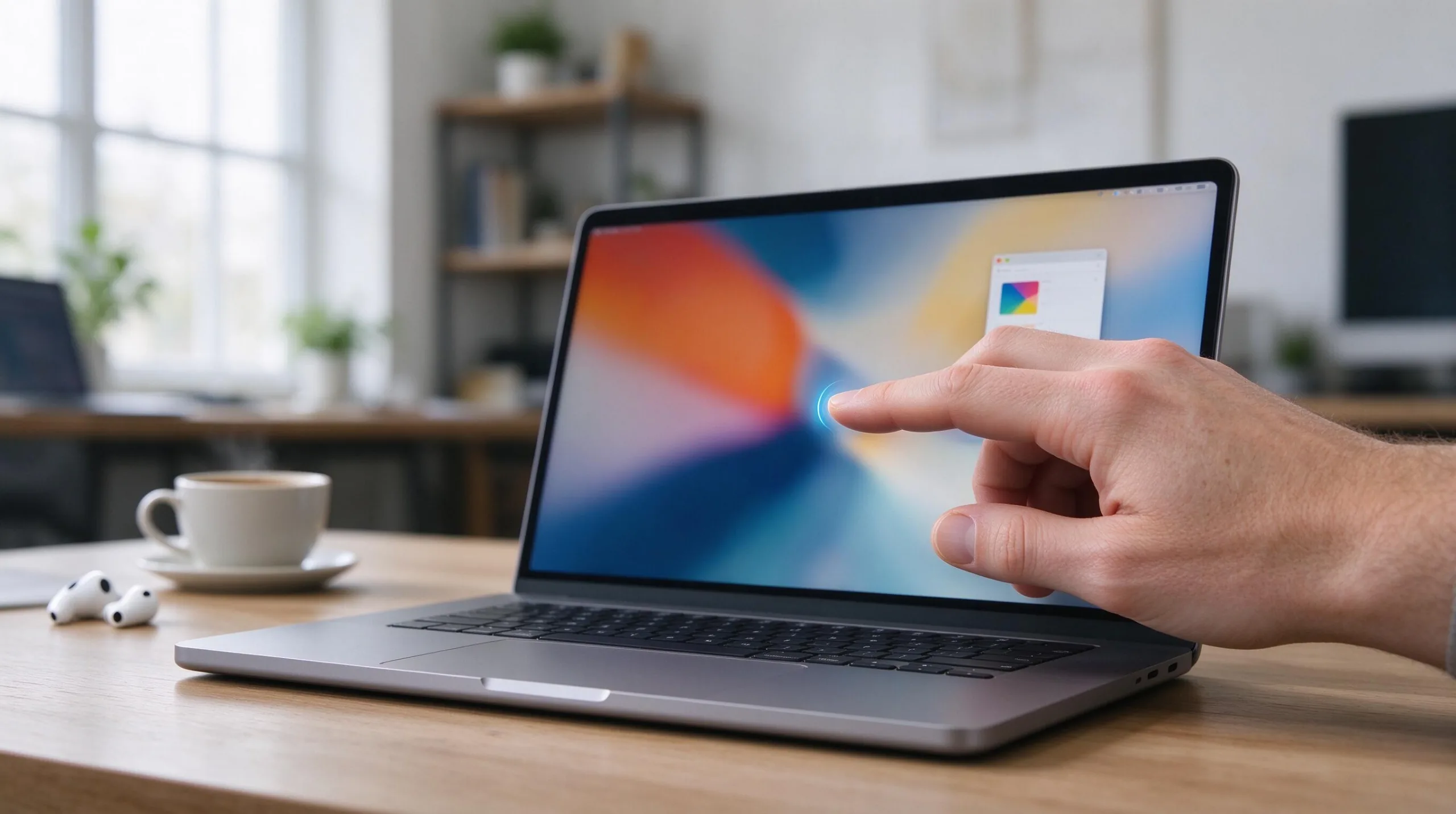
For more than ten years Apple publicly and privately resisted putting a touchscreen on the Mac. Executives repeatedly argued that a laptop’s primary interaction model—keyboard and trackpad—did not benefit from finger contact with the display the way a tablet does. In October 2026 that long-held stance appears to be shifting. Multiple consistent reports now describe an OLED MacBook Pro that includes touch support, with an announcement possibly only days or weeks away. The change is significant, yet the details of how Apple intends to implement touch still matter far more than the simple fact that the feature may finally arrive.
Why Apple Resisted Touch for So Long
Apple’s historical position was coherent and consistent. A laptop is typically used at a desk or on a lap with the user’s hands already resting on the keyboard and trackpad. Reaching upward to touch the screen introduces ergonomic strain, shoulder fatigue, and constant fingerprint smudges. The modern Force Touch trackpad is large, precise, and deeply integrated with macOS gestures, making direct finger contact on the display feel redundant for most tasks.
The company also kept the iPad and the Mac as deliberately distinct products with different interaction models. Continuity features, Sidecar, and Universal Control allowed the two devices to work together without forcing the Mac to become a touch-first machine. That separation protected the Mac’s identity as a professional tool optimized for sustained keyboard-centric work. For years Apple treated the absence of a touchscreen as a deliberate design choice rather than a missing capability.
This philosophy shaped both hardware and software decisions. macOS was refined around precise pointer input and extensive keyboard shortcuts. Adding a touch layer risked turning the interface into a compromised hybrid that satisfied neither laptop nor tablet users fully. The resistance was not stubbornness for its own sake; it reflected a clear view of how people actually use notebooks for hours at a time.
What Changed in the Software Layer
macOS 27 has already shipped a series of interface adjustments that look like preparation for finger input. Control targets are larger, certain gestures have been refined, pull-to-refresh patterns appear in more places, and various system views handle touch more gracefully. These changes arrived before any hardware announcement, which is typical of Apple’s method: get the software ready first, then bring the hardware.
The consistent framing in current reports is that touch will be treated as supplementary rather than primary. Users would still be expected to type and navigate with the keyboard and trackpad for the majority of work. Touch would be available for direct manipulation of objects, quick navigation, annotation, or creative apps where finger input feels natural. That approach attempts to avoid the awkward half-tablet experience that many Windows touchscreen laptops delivered.
Whether the software ultimately feels polished will determine success. If the optional touch path is thoughtful and consistent, people who want it will use it and people who do not can ignore it completely. If the implementation feels bolted on or forces touch-first patterns into keyboard workflows, the feature will largely go unused while still adding cost and complexity to the machine.
Hardware Requirements for a Usable Touch MacBook
A touchscreen on a clamshell laptop needs a hinge that does not flex or bounce when the screen is tapped. Recent reports specifically mention a reinforced hinge designed for exactly that purpose. Without it, every touch would make the display wobble, quickly turning a convenience into an annoyance. The panel itself must tolerate repeated finger contact without degrading image quality or collecting smudges that are difficult to clean under normal lighting.
OLED technology can improve contrast and power efficiency, especially with dark content, but it also introduces new variables around fingerprint visibility, long-term uniformity, and potential burn-in under static macOS interface elements. Weight and balance matter as well. A noticeably lighter chassis would make reaching for the screen less tiring over the course of a workday. Reports of a lighter design are therefore relevant to the touch experience itself, not merely to portability marketing.
Thermal design and battery capacity must absorb the additional power draw of the digitizer layer without shortening real-world runtime. Any compromise here would undermine the practical value of the new input method. These engineering details will decide whether the touchscreen feels like a natural extension of the Mac or an awkward addition.
The Practical Trade-offs Users Will Actually Face
Even with careful software design, touching a vertical or near-vertical screen is fundamentally different from interacting with a tablet held in the hands. Shoulder and arm fatigue become noticeable after repeated reaching. Fingerprints accumulate quickly and are more visible on high-contrast OLED panels. Some users will appreciate the ability to tap a button or drag an object directly; many others will continue to find the trackpad faster, cleaner, and more precise for the same actions.
Creative professionals who already use iPads for drawing, photo markup, or light video review may value a larger touch surface that remains attached to a full keyboard and high-performance chip. Writers, developers, data analysts, and most office workers are likely to ignore the touch layer for the bulk of their day. The feature’s success will therefore depend on how gracefully Apple makes the optional path feel. A well-executed secondary input can be useful; a half-finished one simply adds cost without improving the daily experience.
Long-term durability is another open question. The hinge must survive years of opening, closing, and occasional pressure. The display coating must resist wear from fingers and cleaning cloths. These are not theoretical concerns; they determine whether the machine remains pleasant to use three or four years after purchase.
Timing, Product Placement, and Positioning
Current reporting places the first touchscreen models inside the MacBook Pro line rather than the Air, and pairs them with OLED panels. That positioning treats touch as a premium capability at launch rather than a mass-market feature. Using the existing M5 Pro and M5 Max chips would mean the new machines are defined more by display quality and input methods than by a generational leap in CPU or GPU performance.
Some reports suggest Apple may continue selling non-touch mini-LED MacBook Pros alongside the new OLED touchscreen versions for at least one generation. A dual-line approach would give buyers who do not want touch or the OLED premium a clear alternative, while also giving Apple time to refine the software experience based on real-world usage data. It would also reduce pressure on customers who simply need a fast, reliable laptop without experimental input methods.
Pricing remains unknown. A noticeable premium is widely expected because of the OLED panel and digitizer. How large that premium is, and whether base memory and storage configurations remain competitive, will heavily influence the value equation for most buyers.
What Genuine Success Would Look Like
A successful touchscreen MacBook would allow users to ignore the touch layer completely when they prefer the trackpad, while making finger input feel precise and intentional when they choose to use it. The software would avoid forcing touch-first patterns onto keyboard-centric workflows. Battery life, display longevity, color accuracy, and hinge durability would need to match or exceed the standards of the current mini-LED MacBook Pros.
Failure modes are easy to picture. An interface that feels half-tablet and half-laptop would frustrate both camps. Noticeable flex in the display under finger pressure would make the feature feel cheap. Rapid fingerprint buildup or reduced peak brightness could undermine the visual advantages of OLED. Thermal or battery compromises made to accommodate the new panel and digitizer would hurt the overall experience. Only real hardware and sustained real-world use will reveal which path Apple ultimately took.
Early reviews will matter, but longer-term reliability data and software updates over the following year will matter more. The first version of any major new input method rarely feels perfect on day one.
Practical Advice for Buyers in the Present Moment
If you need a MacBook today for actual work, the current M5 MacBook Pro models remain the practical and low-risk choice. They are fast, well-supported, and free of rumor uncertainty. Waiting for an unannounced product always carries the possibility of delay, higher-than-expected pricing, or an implementation that does not match the hope.
If you specifically want OLED and touch capability and can tolerate uncertainty, the coming weeks should resolve most of the open questions. I will not recommend pausing a necessary purchase solely because of reports that have not yet turned into shipping hardware. Apple’s long resistance to touch on the Mac was rooted in a coherent interaction philosophy. The current rumors suggest the company believes it has found a way to add the capability without abandoning that philosophy. Whether the final execution matches the ambition is a question only the actual product can answer. Until Apple places the machine on a stage or a store shelf, every claim about a touchscreen MacBook should be treated as provisional.